 1:36
1:36
Data quality operations
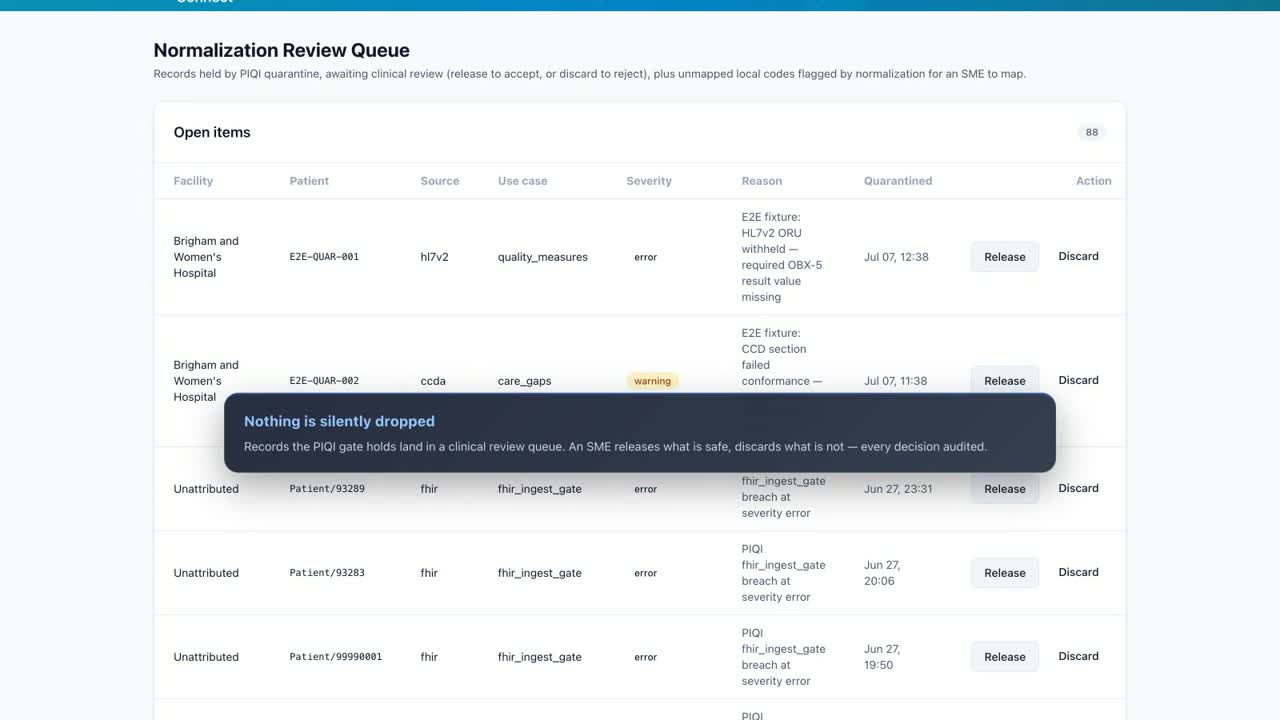
FHIR Clinical Data Normalization
See how governed normalization improves the data every downstream summary depends on.
Watch the demo →See Health-Connect generate audience-specific clinical summaries from the same patient timeline—giving nursing, hospitalists, surgery, emergency care, and rehab teams the format they need without rebuilding the record.
Clinical handoffs are not interchangeable. An SBAR nursing handoff needs different emphasis than a hospitalist sign-out or surgical brief. Health-Connect uses the connected FHIR timeline to assemble the relevant context, then applies the selected practice-area format.
The resulting snapshot keeps the input window, output format, and run usage visible so teams can review both the clinical content and the operational cost of generation.
Health-Connect generates practice-area-specific chart summaries directly from the FHIR record—five report formats, each tuned to its clinical audience.
SBAR nursing handoff, hospitalist sign-out, surgical brief, ED provider report, and rehab progress. The clinician simply picks the format for the audience.
Select the patient, choose the lookback window, and generate. The agent gathers conditions, medications, labs, and encounters from the FHIR server, then composes the report.
The finished snapshot opens with demographics and active problems, followed by the practice-area sections—with full token usage and cost transparency on every run.
Every handoff starts from the same complete, current picture of the patient—generated in seconds from live clinical data.
1:36
See how governed normalization improves the data every downstream summary depends on.
Watch the demo →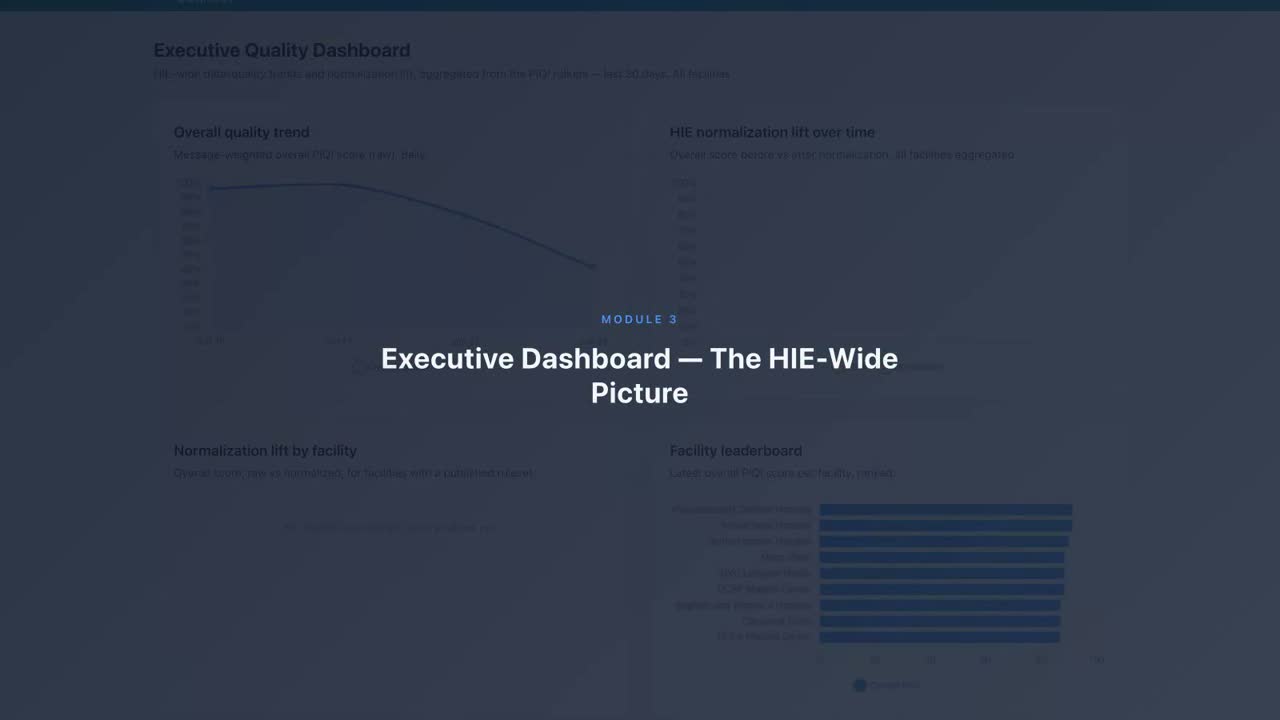 1:15
1:15
Follow quality trends, conformance, quarantine, and measured normalization lift.
Watch the demo →